
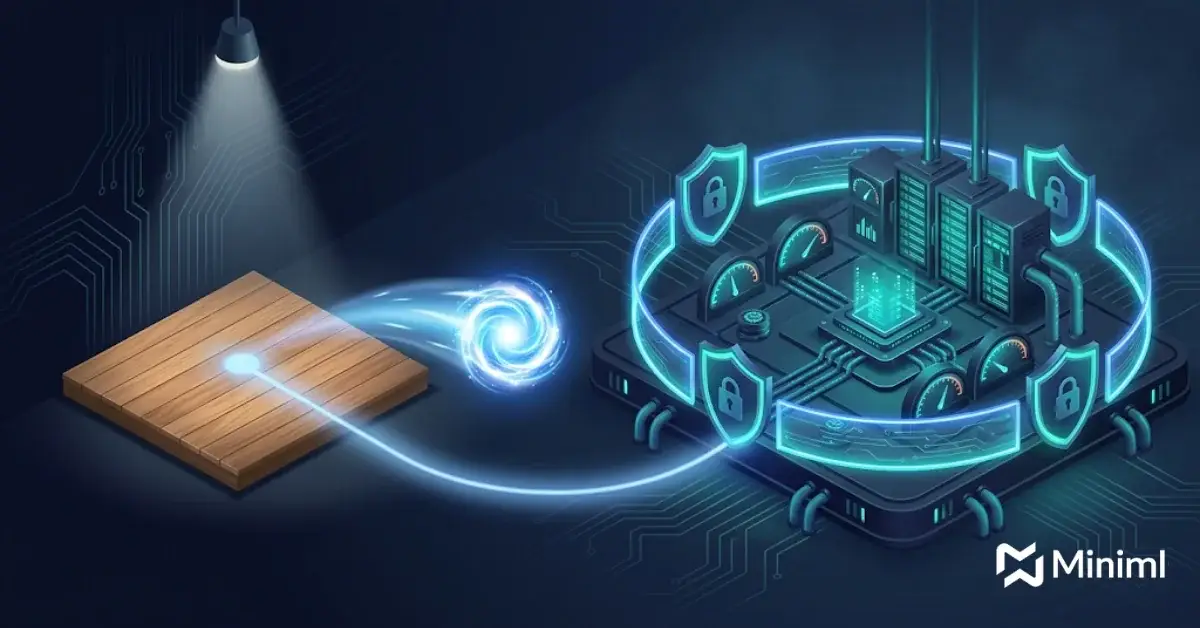
Deploying AI agents in production means adding everything a demo skips: scoped tool permissions, guardrails, an evaluation suite, observability, human approval steps, cost limits and planned failure handling. A demo proves an agent can do a task once. Production proves it can do the task safely, every day, inside your systems. Our AI agents practice is built around that second job.
The gap is real. Teams deploying AI agents often stall at the handoff from demo to production, when cost, value and risk controls meet real work.
Key Takeaways on Deploying AI Agents
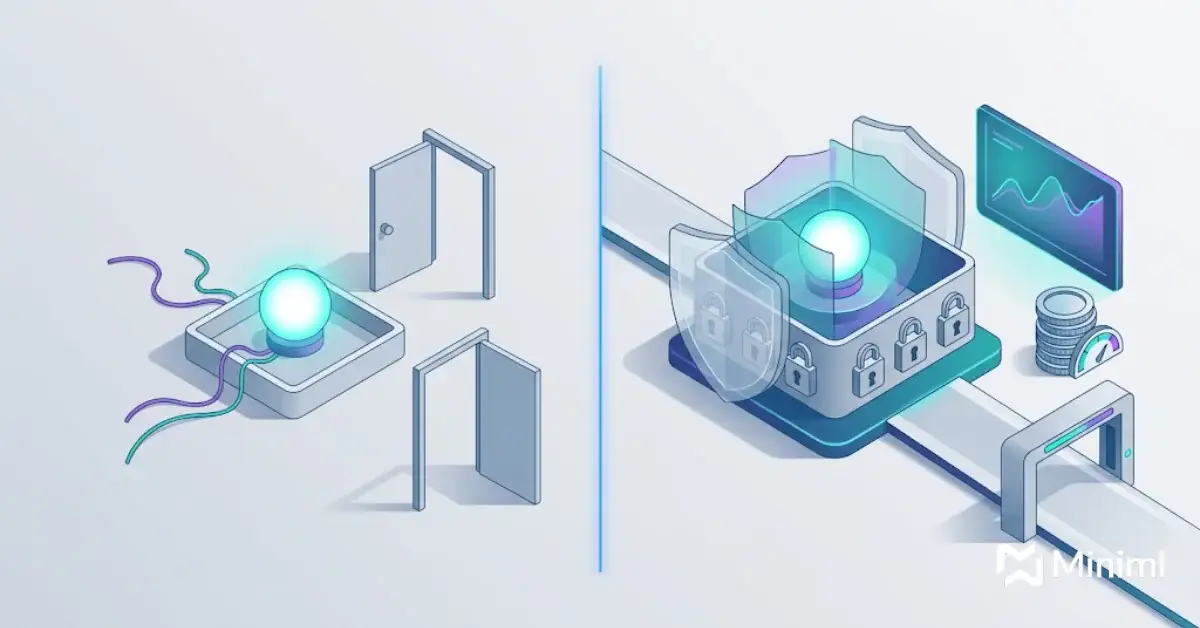
- A demo agent runs on clean inputs, broad access and a watching engineer. A production agent runs on messy inputs, least-privilege access and nobody watching.
- Deploying AI agents safely needs an evaluation suite before launch and tracing after launch.
- Human approval steps belong on any action that moves money, changes records or contacts customers.
- When deploying AI agents, treat cost control as a design decision: set step limits, token budgets and model routing up front.
- Agents already in production should get a structured reliability review, not just a bug fix.
Why Do AI Agents Break After the Demo?
A demo is a controlled stage. The prompts are hand-picked, the data is tidy and the builder is in the room to catch mistakes. None of that holds on day one of deploying AI agents into real work.
Autonomy also raises costs and lets errors compound, because one wrong tool call early in a run can poison every step that follows.
Integration is the next problem when deploying AI agents. In a demo, the agent calls mock APIs or a sandbox copy of one system. In production it touches your CRM, ERP, ticketing tool and document stores, each with its own auth model, rate limits and odd edge cases. Our guide to AI implementation challenges covers why integration often takes more time than the model work.
Demo Agent vs Production Agent: What Changes
Here is how each area shifts when an AI agent deployment goes live.
| Area | Demo agent | Production agent |
|---|---|---|
| Tool permissions | Broad API keys, often admin level | Least-privilege, scoped per tool and per action |
| Inputs | Curated prompts and clean sample data | Real user input, partial records, adversarial text |
| Guardrails | Few or none | Input filters, output checks, policy rules, blocked actions |
| Evaluation | A handful of manual test runs | Versioned eval set run on every prompt, model or tool change |
| Observability | Console logs | Full traces of every step, tool call, cost and outcome |
| Human oversight | Builder watches live | Approval gates on high-risk actions, review queues |
| Cost | Ignored | Per-run budgets, step caps, model routing, alerts |
| Failure handling | Rerun the demo | Retries, timeouts, fallbacks, safe stop and handoff to a person |
| Ownership | One engineer | Named operator, on-call path, change control |
What Needs to Be in Place Before Deploying AI Agents?
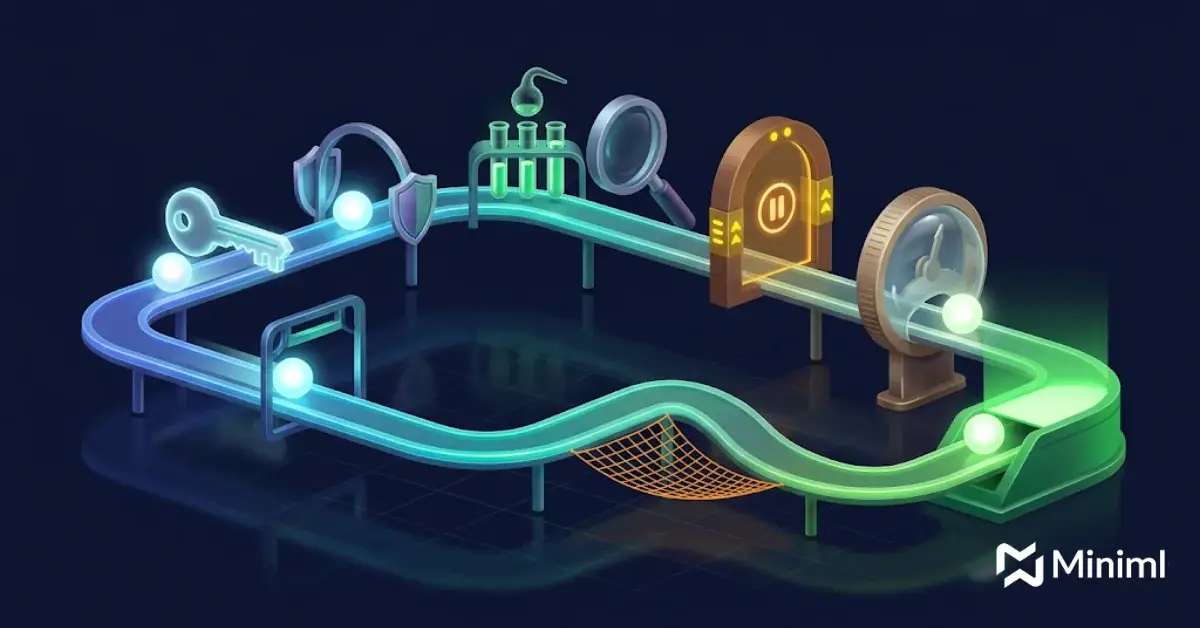
Each area below is a common reason enterprise AI agents stall. Treat them as launch criteria for deploying AI agents.
Tool Permissions and Access
When deploying AI agents, give each agent only the tools and scopes a task needs. Read access and write access should be separate tools. Destructive actions, such as deleting records or issuing refunds, should either be blocked or sit behind approval.
Use service identities the security team can audit, not personal tokens.
Guardrails and Policy Rules
Guardrails check what goes in and what comes out. Input checks catch prompt injection. Output checks confirm an action fits policy before it runs.
Write policy as rules the agent can be tested against, for example “never send pricing outside the approved list.” Vague instructions in a system prompt are not a control.
An Evaluation Suite
Before deploying AI agents, build a test set of real tasks with known good outcomes. Include easy cases, hard cases and cases where the right move is to refuse or escalate.
Run the set on every change to prompts, models, tools or retrieval. Track task success, tool call accuracy, policy violations and cost per task. Test in a sandbox first, and let the eval suite make that testing repeatable.
Observability and Tracing
Deploying AI agents without tracing leaves you guessing. Production agents need traces that record each reasoning step, each tool call with its inputs and outputs, latency and token spend.
Traces feed your eval set too. When a real run fails, it becomes a new test case. This loop sits at the core of our MLOps for AI systems work.
Human Approval Steps
Not every step needs a person. The ones that do are actions that move money, change customer records, send external messages or cannot be undone. Agents can pause at those checkpoints and wait for sign-off.
A reviewer should see what the agent plans to do, why, and what data it used, in a few seconds.
Cost Control
Agents loop, and loops cost money. Set a maximum number of steps per run, a token budget per task and alerts when spend drifts. Route simple steps to smaller, cheaper models and keep large models for hard reasoning.
Stopping conditions also protect quality: an agent stuck in a loop should stop and hand off.
Failure Handling
Deploying AI agents means planning for tools to time out, APIs to return errors and models to produce bad output. Each tool call needs limited retries, timeouts and a clear fallback.
The safest fallback is usually a clean stop: save state, log the reason and route the task to a person with full context.
A Production Deployment Checklist for AI Agents
Use this numbered checklist as a go or no-go gate before deploying AI agents. It follows the Prototype, Implement and Operate stages of our delivery model.
- Define the workflow and the owner. Write down the task, systems, success criteria and accountable owner.
- Map actions by risk. Tag every possible action as low, medium or high risk.
- Scope tool permissions. Issue least-privilege credentials and split read and write tools.
- Write policy rules as tests. Turn compliance rules into checks.
- Build the eval set. Collect real tasks with expected outcomes, including refusal cases.
- Add guardrails. Put validators in front of high-risk actions.
- Insert approval gates. Require sign-off on high-risk actions.
- Turn on tracing. Log every step, tool call, cost and outcome.
- Set cost limits. Configure step caps, token budgets and spend alerts.
- Define failure paths. Add retries, timeouts, fallbacks and a clean handoff to a person.
- Run a shadow phase. Run alongside staff without acting, then compare.
- Launch in stages. Start small and widen as eval and trace data hold up.
How Should Enterprise AI Agents Be Governed?
Governance is what lets a risk or compliance team say yes to deploying AI agents. It works best when it uses the same risk categories your company already applies to other software and data systems.
For AI agents in production, governance usually covers:
- A register of every live agent, its owner and its allowed actions
- Change control for prompts, models and tools
- Audit logs that link each action to a trace and an approver
- Regular review of eval results and incident reports
We cover what happens when teams skip this layer in why enterprise AI agents fail: the model works, but the operating design around it was never built.
How Miniml Approaches AI Agent Deployment
Miniml builds agents that operate inside your tools and follow your policies. For us, deploying AI agents means working through your existing systems of record, your access rules and your approval chains, rather than a parallel stack that IT has to secure from scratch.
As an AI agent development company, we work across OpenAI, Anthropic, AWS, Azure, Google Cloud and LangChain, and we can run open-weight models on-prem when data cannot leave your environment.
If you already have agents live, our two-week AI System Reliability Review looks at what is running today. We check permissions, guardrails, eval coverage, tracing, cost and failure handling, then give you a ranked list of fixes.
Before deploying AI agents, review the OWASP Top 10 for LLM applications with your security team. For wider governance, the NIST AI Risk Management Framework gives a shared vocabulary for agent risk.
Deploying AI Agents FAQs
How long does it take to deploy an AI agent to production?
It depends on the number of systems the agent touches and the risk of its actions. A narrow, read-only agent can move faster than one that writes to finance or customer systems. When deploying AI agents, most of the time goes into integration, eval sets and approval design, not the model itself.
What is the difference between an AI agent demo and a production agent?
A demo shows the agent can complete a task under ideal conditions. A production agent has scoped permissions, guardrails, an evaluation suite, tracing, human approval on risky actions, cost limits and failure handling. It is also owned and monitored by a named team after launch.
Do AI agents in production need human approval?
Not for every step. Human approval belongs on actions that move money, change records, contact customers or cannot be reversed. Low-risk steps like reading data or drafting text can run on their own, as long as they are traced and covered by your evaluation set.
How do you control the cost of deploying AI agents?
Set a cap on steps per run, a token budget per task and alerts when spend rises. Route simple steps to smaller models and save larger models for hard reasoning. Review cost per completed task each week, not just total spend, so you catch waste early.
How do you test an AI agent before deployment?
Build an evaluation set of real tasks with known good outcomes, including cases where the agent should refuse or escalate. Run it on every change to prompts, models or tools. Then run a shadow phase where the agent works alongside staff without acting, and compare results.
What should we do if our agent is already live and unreliable?
Start with a structured review rather than patching single bugs. Look at permissions, guardrails, eval coverage, tracing, cost and failure paths together. Miniml’s AI System Reliability Review does this in two weeks and returns a ranked list of fixes your team can act on.
Get Your AI Agents Ready for Real Workloads
A good demo earns attention. A well-run deployment earns trust from security, compliance and daily users. Whether you are deploying AI agents for the first time or fixing a live one, we can help close the gap.
Miniml
San Francisco: 50 California St #1500, San Francisco, CA 94111, United States. Phone: +1 415-941-8345
Edinburgh: 93 George St, Edinburgh EH2 3ES, United Kingdom
Book a consultation with Miniml to scope your agent deployment or schedule an AI System Reliability Review.
About Miniml: Miniml is an AI consultancy with offices in San Francisco and Edinburgh that helps enterprise teams take AI systems past the pilot and into production.